
Turn any screen into a GLANCE
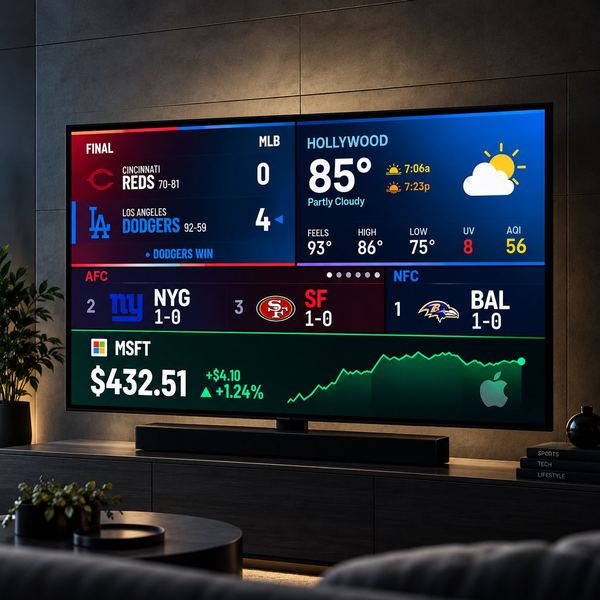
Live scores, your teams, markets, weather and clocks on the TV, monitor or laptop you already own. Try it free.
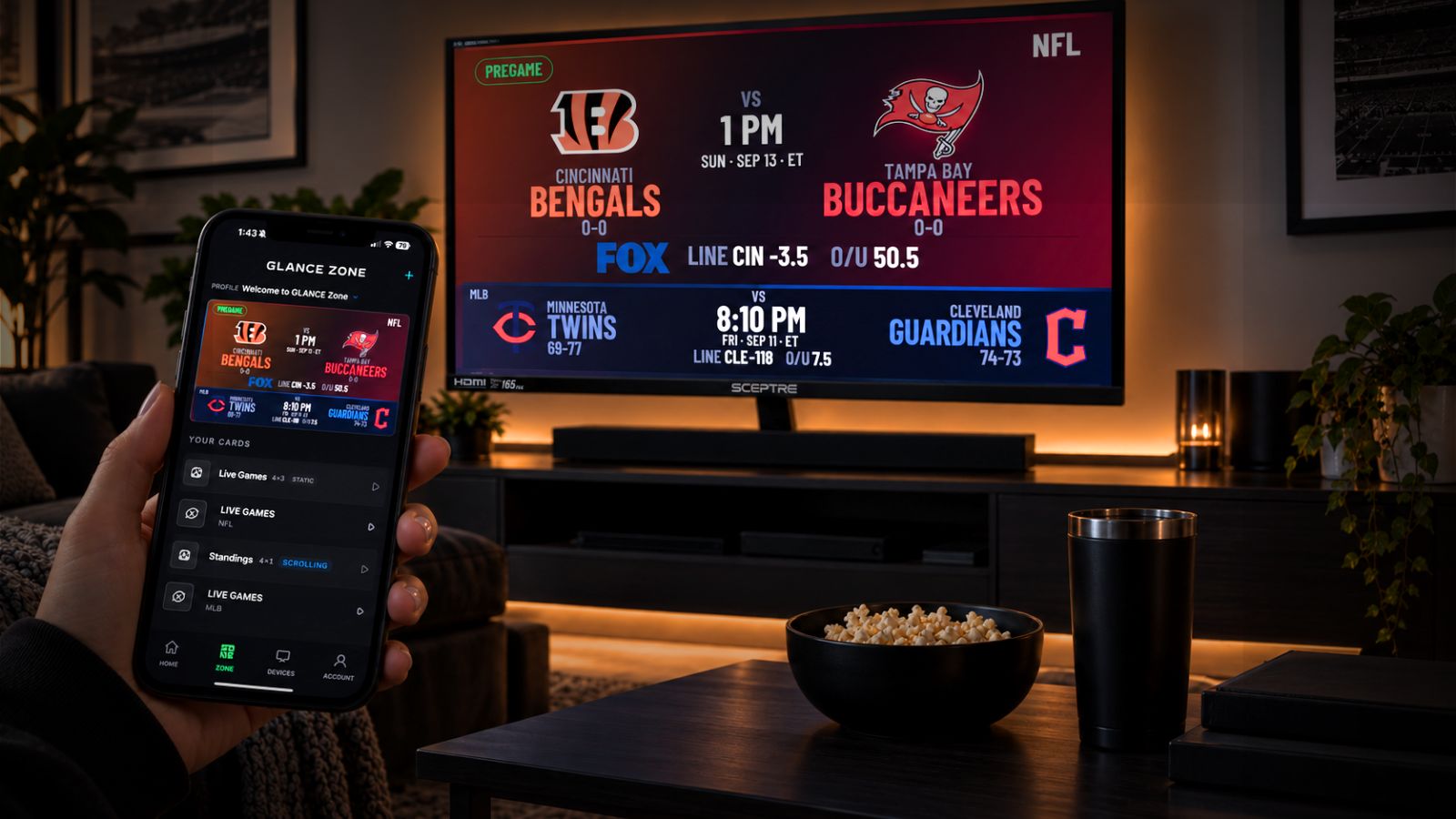
- TV or desktop — use the screens you already own
- Available on — Roku, Google TV, Amazon Fire TV, Apple TV and any web browser
- Your content — choose the apps and information you want
- Your layout — build your Zone with customizable cards
Start free. Keep it on all day.
Try it for free. Want it on all day? Pick a plan.
- 1 hour free trial of Gold
- Everything Gold has, during your trial
- Up to 4 screens
- 1 screen, on all day
- Live scores for every league, plus stocks and crypto
- Weather and clocks
- 2 profiles to switch between
- Landscape cards
- Standard data updates
*Annual price ÷ 12, rounded to the nearest cent. Charged $79.90 once a year; renews yearly until you cancel.
Charged $7.99 a month; renews monthly until you cancel.
Get Bronze · $79.90/yr Get Bronze · $7.99/mo- Up to 4 screens, on all day
- Every app: fantasy, team banners, custom messages and social feeds
- Live radar and severe weather alerts
- 4 profiles a screen to switch between
- Portrait and Landscape
- Faster data updates
*Annual price ÷ 12, rounded to the nearest cent. Charged $119.90 once a year; renews yearly until you cancel.
Charged $11.99 a month; renews monthly until you cancel.
Get Gold · $119.90/yr Get Gold · $11.99/moFounder’s intro prices. Yearly plans are billed annually ($79.90 Bronze, $119.90 Gold); monthly plans every month ($7.99 Bronze, $11.99 Gold). Pay on this site with Apple Pay, Google Pay or a card, then sign in to the GLANCE Zone app with the same email. Plans renew automatically until you cancel; cancel anytime on the billing page or from any receipt email, effective at the end of the period you paid for. Taxes may apply. See the Terms, the cancellation policy and the Privacy Policy.
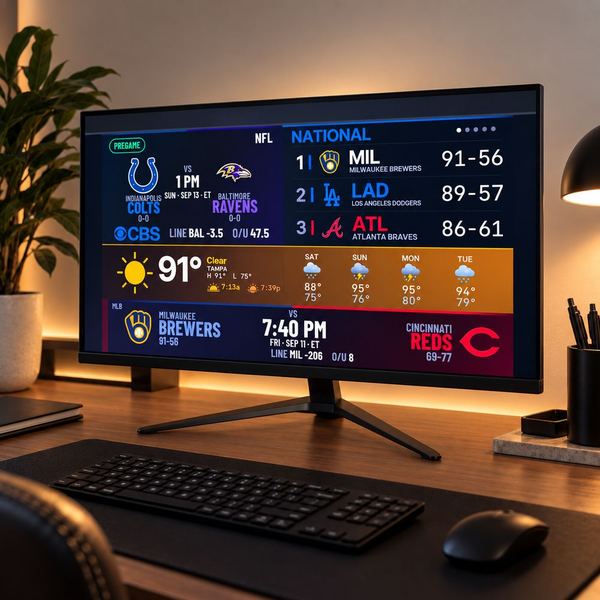
Try it free
Every account starts with a free trial.
Want it on all day? Pick a plan.
On Roku, Fire TV, Apple TV and any browser.
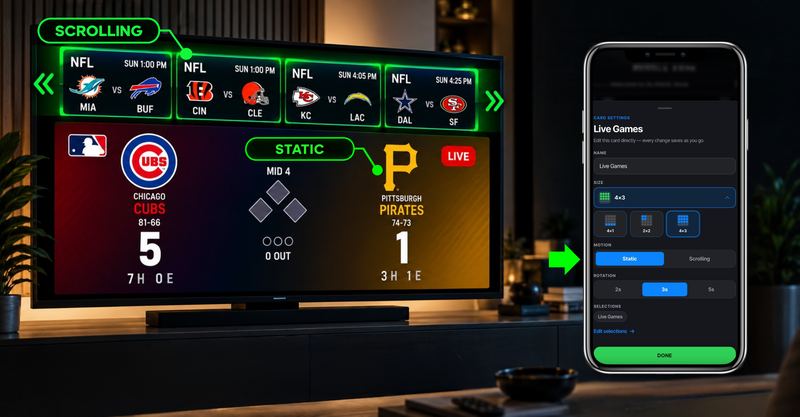
Scrolling or static
Create your layout how you want it with still or dynamic cards
All your apps
Everything in one place.
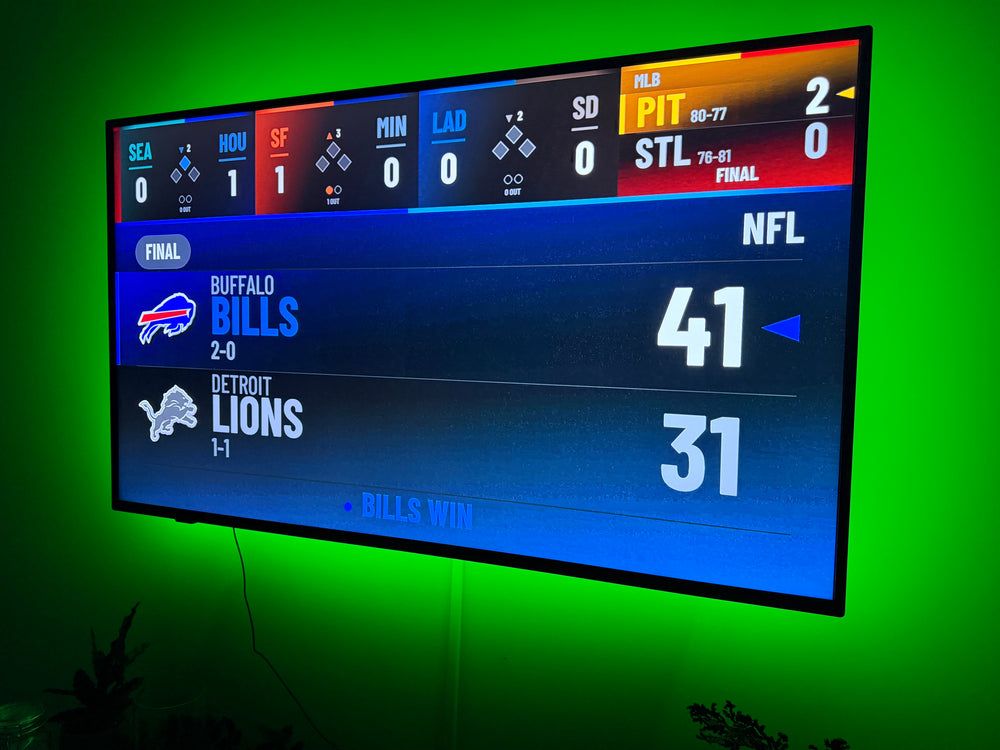
Sports, weather, finance and more. Choose what matters to you and bring it together in one view.
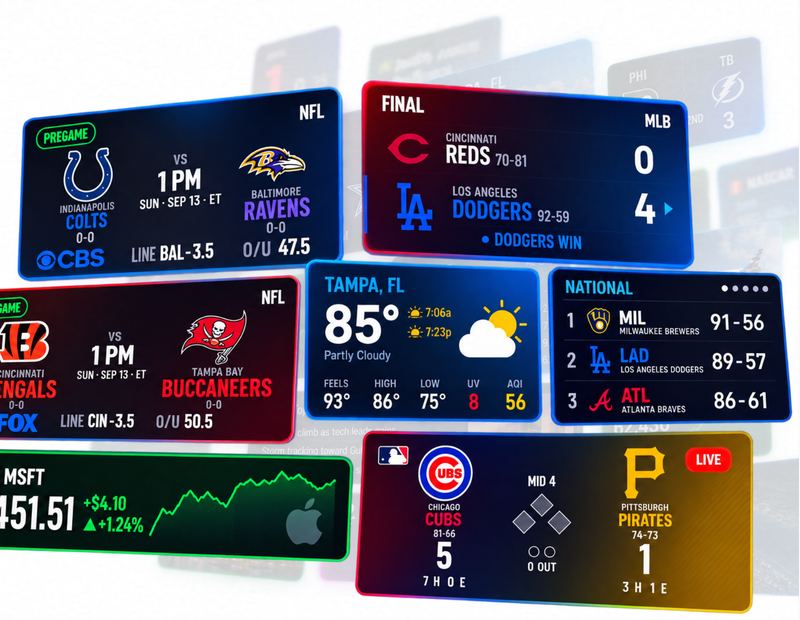
GLANCE Zone works on any screen with Roku or a web browser.
Track in real-time what you want, when you want.
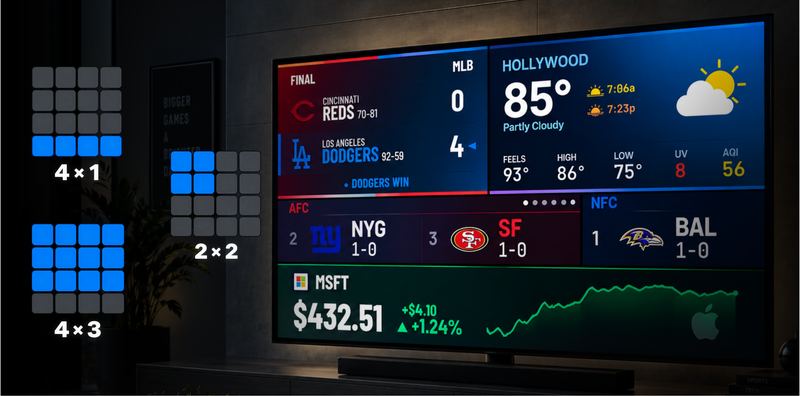
Make your Zone yours
Choose from different card sizes to build a layout around the content you care about.
How it works
Your phone picks it. Your screen shows it.
Download the mobile setup app, pair your screen, and control what you want displayed.
Get the setup app
Download GLANCE Zone for iPhone or Android. It is where you set everything up.

Add your screen
Install GLANCE Zone on Roku, Google TV, Apple TV or Fire TV, or open glance-zone.com/tv in any browser.
Pair and pick
Pair the screen with the code it shows, then choose your teams, markets and weather in the app.
Get GLANCE Zone
Download the mobile setup app, pair your screen, and choose what it shows.
 On a computer? Scan with your phone to get the app.
Works on the screens you have
Set it up once in the GLANCE Zone app, then pair any of these.
RokuThe GLANCE Zone channel on any Roku TV or player
Google TVThe GLANCE Zone app on Google TV and Android TVApple TVThe GLANCE Zone app on Apple TVAmazon Fire TVThe GLANCE Zone app on Fire TV sticks and TVs
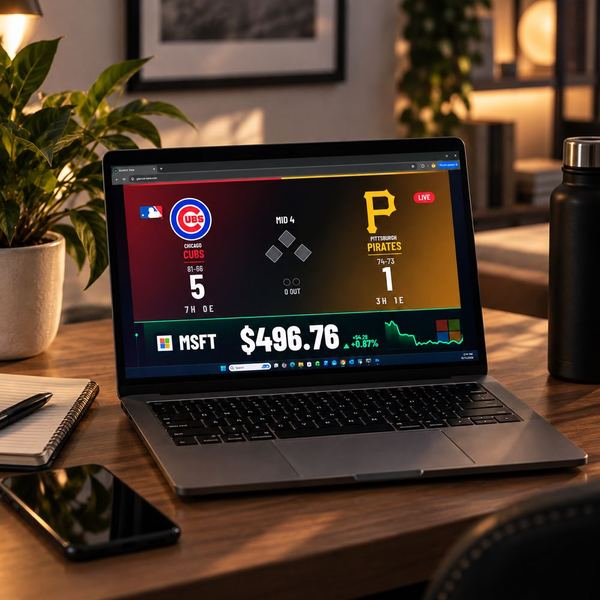
Any browserA smart TV, monitor or laptop at glance-zone.com/tv
Frequently asked questions
What is GLANCE Zone?
GLANCE Zone turns the screens you already own into a GLANCE. Live sports, scores, stats, markets, weather and more, without a separate physical ticker.
What devices can I use with Zone?
Roku, Google TV, Amazon Fire TV, Apple TV, and any web browser: a smart TV browser, a monitor or a laptop at glance-zone.com/tv. You set everything up in the GLANCE Zone app for iPhone and Android.
Does Zone update live?
Yes. Scores and prices refresh on their own: fastest on Gold and during the free trial, a little less often on Bronze.
How much does GLANCE Zone cost?
Every account starts with a free trial on your own screens. Bronze keeps one screen on all day for $7.99 a month ($79.90 a year), and Gold covers up to 4 screens with every app for $11.99 a month ($119.90 a year). Both are Founder’s intro prices. See plans.
Do I need a GLANCE ticker to use Zone?
No. Zone runs on the screens you already have. If you'd like a real LED ticker too, see GLANCE LED or GLANCE SCROLL.
Can I use Zone on multiple screens?
Yes: up to 4 screens on Gold (and during the free trial), 1 on Bronze.
How do I cancel?
Anytime, in the GLANCE Zone app: Account › Manage or cancel subscription. You can also sign in at glance-zone.com/account to cancel, update your card or change your plan. You keep your plan until the end of the period you paid for, and you won't be charged again.
How do I get support?
Email [email protected].
From the makers of GLANCE LED
Want a real LED ticker on your wall?
GLANCE LED and GLANCE SCROLL show the same live scores and markets on a dedicated LED display.